Studio note · General
App for Comparison Shopping: 10 Tools Compared in 2026
Compare 10 app for comparison shopping options by features, supported retailers and costs, plus the limits of each tool before you buy.
- Updated
- November 25, 2026
- Reading
- 13 min
Picking the wrong app for comparison shopping costs more than picking none at all. No single tool covers every store, and the ones that claim to usually mean every store in their own index. The gap between that promise and the result has been measurable for more than a decade: in its 2014 study of mobile shopping apps, the U.S. Federal Trade Commission cited Federal Reserve research showing that a large share of smartphone owners were already comparison-shopping on their phones inside retail stores, and that many of them changed where they bought as a result.
That makes the choice of tool consequential. Most of the ten apps below fall into four groups: cross-store search, in-store barcode scanning, Amazon price history, and coupon or cashback finding. Each group has a blind spot, and the blind spot is rarely the item price. Shipping, taxes, seller terms, pack size and return postage are where a comparison goes wrong.
There is no overall winner, because there is no single job. Match the app to the purchase in front of you, then check the total yourself.
Table of Contents
- 1. ShopSavvy
- 2. Google Shopping
- 3. Klarna
- 4. Capital One Shopping
- 5. Price.com
- 6. PayPal Honey
- 7. Keepa
- 8. CamelCamelCamel
- 9. BuyVia
- 10. OneScan
- How the ten apps differ by main focus, cost model and platforms
- Matching the Right Comparison App to Each Purchase
1. ShopSavvy
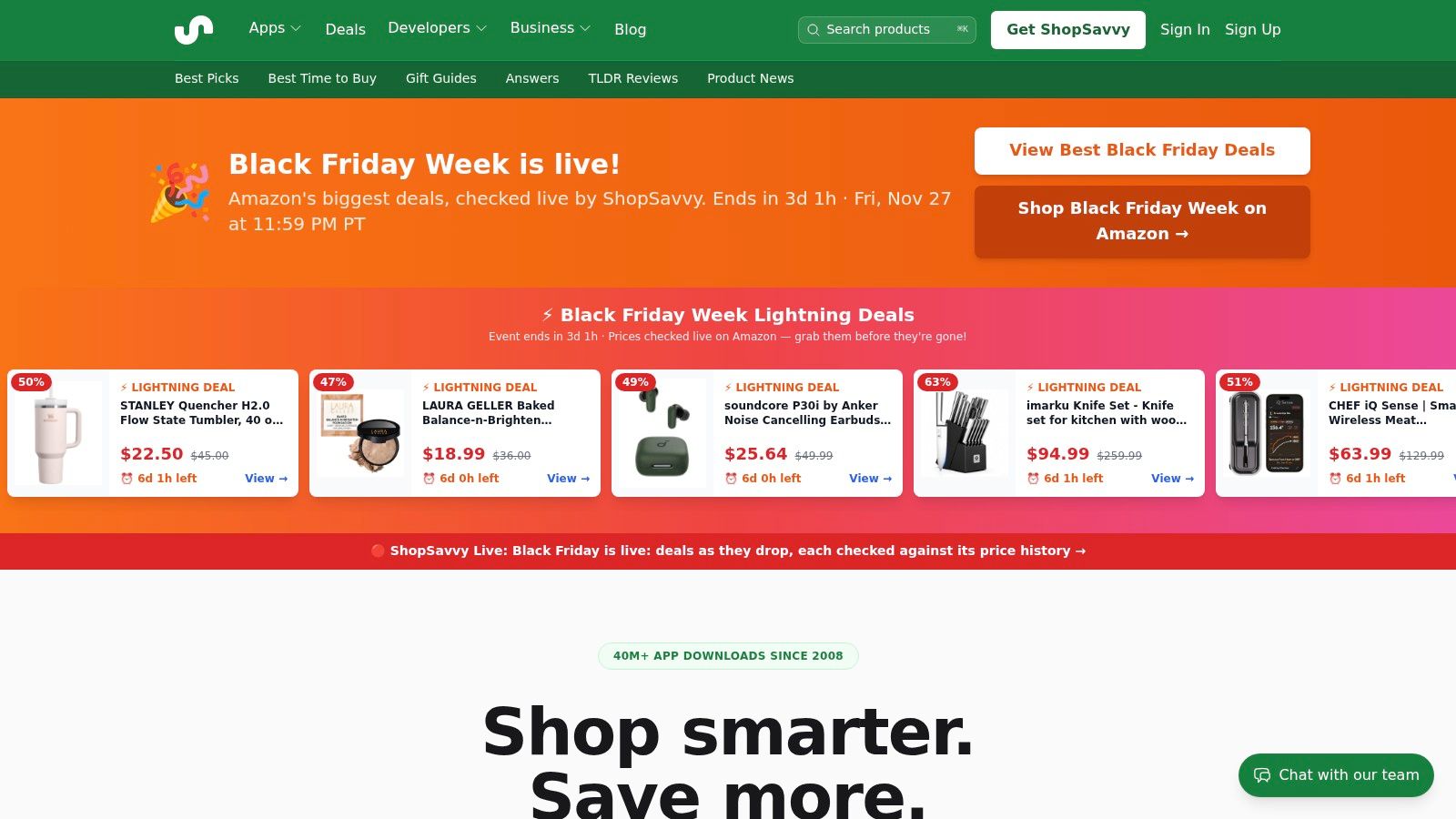
ShopSavvy does the widest single job here. Search a product name or scan a barcode, then compare online offers against nearby store prices in one view, with price history and drop alerts for anything worth waiting on. Core scanning and search are free, and a paid Pro tier removes ads.
The scanning flow is why many people install it.
The Use Case the Data Supports
The Federal Reserve's survey of U.S. smartphone owners found that 47% had used a phone to comparison-shop online while physically inside a retail store, and 33% had used a barcode-scanning app for price comparisons. A further 24% were interested in comparing prices on a phone while shopping, which is demand an app can capture later rather than today.
- Strongest at: getting from a shelf to a price check in one step, on both iPhone and Android, plus browser tools for desktop research.
- Weakest at: landed cost. Shipping, tax, capacity, color, bundle contents and the seller's return terms all sit outside the number on screen.
- Working habit: treat a scan result as a lead. Open the seller's own page before treating the price as real.
ShopSavvy is the sensible starting point for anyone who splits purchases between stores and online.
2. Google Shopping
Google Shopping is the fastest read on a market and the weakest commitment to any one seller. Listings come from multiple retailers through Google Search and the Google app, price tracking with drop notifications runs in the U.S., and there's no separate shopping subscription to manage. For someone already inside Google, the marginal cost of a comparison is one search.
Results open inside the surface the shopper already uses.
Why Coverage Is the Whole Product
Price checking is the leading phone-based shopping activity. Mobile commerce reporting compiled by XtendedView puts 49% of mobile shoppers using their devices to compare prices before buying, and 72% of adults in North America reported using a smartphone for in-store price comparisons.
An index that size handles a first pass well, which is exactly why it's a poor referee for a single transaction. Some tracking features vary by device and by which Google surface is used, and a listed price is a merchant feed value, not a quote.
- Works well for: establishing a price range and a shortlist of retailers.
- Fails at: certainty. Confirm the exact model on the retailer's page, along with delivery and tax.
- Cost: no separate app subscription, which is the main reason it stays in the rotation.
Google Shopping is the default first tab, not the last word.
3. Klarna
Klarna puts product search and cross-store comparison next to payment features, so a shopper can find an offer and finance it without leaving the app. That convenience is the appeal, and it's the reason to read the screen slowly.
When Placement Is Paid For
The OECD's policy note on online marketplaces lists the consumer-protection problems that appear when a platform earns money from placement: search-result presentation, undisclosed commissions, misleading price displays, scarcity cues and discount comparisons. It records changes sought from major accommodation platforms, including disclosure when payments could influence search rankings and ensuring discount comparisons represented genuine savings against standard prices. Shopping apps face the same test.
Financing is a separate question from price. Splitting an item into instalments changes the cash-flow problem, not the cost of the goods, and a single screen blends the two. Buy now, pay later statistics show how normal that split has become, which is precisely why the item price deserves its own line.
- Good for: discovery and comparison in one place, with shopping offers and cashback at eligible stores.
- Watch: whether a ranking reflects price or a commercial arrangement.
- Check first: cashback eligibility and payment terms, before checkout rather than after.
Klarna suits shoppers who already use instalments deliberately. Anyone comparing on price alone should keep it at arm's length.
4. Capital One Shopping
Capital One Shopping is free, works for people who don't bank with Capital One, and does one thing better than manual effort: it tests coupon codes automatically at checkout. It also compares some online offers, sends price-drop alerts and pays rewards redeemable for gift cards.
The Privacy Bill for Automatic Coupons
Automation of that kind needs broad access to browsing and checkout pages. Ipsos research on retail and shopping found privacy concerns about stored payment information and about company access to personal data each cited by 33% of respondents as barriers to downloading more retail apps, with 30% objecting to companies accessing their data. A coupon tool that reads every checkout page is asking for exactly that access.
Rewards need their own scepticism. A gift-card balance that arrives later isn't a discount on today's basket, and eligibility rules vary by retailer. Anyone comparing reward structures can start with Comredix's Rakuten review for a like-for-like view of how a cashback portal pays out.
- Works well for: catching promo codes nobody would type in manually.
- Depends on: retailer support and eligible offers, both of which change without notice.
- Not the same as: a lower listed price on the item.
Capital One Shopping is available as a mobile app and a browser extension, and the extension does most of the useful work.
5. Price.com
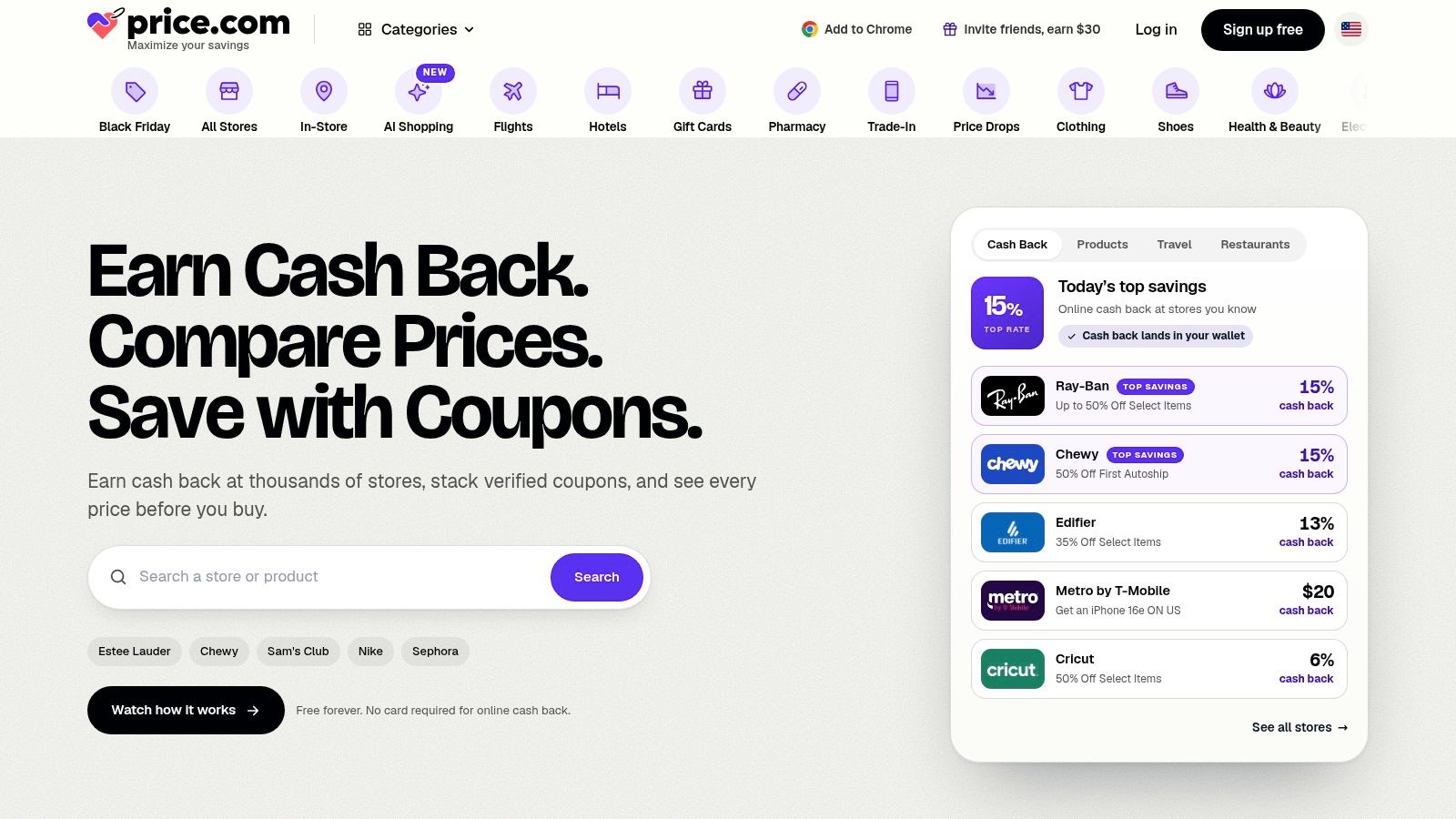
Price.com is the only tool here that treats condition as part of the comparison. Alongside standard retail listings it can surface used, refurbished and rental options, plus coupons and cashback, across the web, iOS, Android and a browser extension.
Condition belongs in the same view as price.
Advertised Price Is a Weak Signal
Shoppers have said plainly what they want from a price display. CXM's reporting on pricing transparency cites a survey in which 82% of U.S. shoppers said clear pricing and no hidden fees are essential to a less stressful shopping experience, and a 2025 survey in which about 60% of U.S. consumers had abandoned purchases after discovering unclear or misleading pricing.
The gap widens on cross-border and refurbished offers, where shipping, duties, payment surcharges, minimum-order thresholds and return postage can reverse the ranking. A landed-cost view showing the price at checkout, under a stated destination and basket size, would beat another seller row. Cashback deserves the same discipline: it arrives after qualifying purchases clear, so subtracting it from a price before then is fiction.
- Strongest at: placing alternative conditions next to new retail prices.
- Weakest at: final cost. Many sellers reveal fees only at checkout, and no comparison site can invent them.
- Check: seller identity, warranty and return terms on anything used or refurbished.
Price.com is worth the extra minute whenever "cheapest" might mean "different product."
6. PayPal Honey
PayPal Honey is built around the checkout moment. It runs automatic coupon searches at supported stores, compares prices for some products, and its Droplist tool alerts users when a watched item's price falls. Access runs through a browser extension, the website and mobile.
The extension view at checkout is the one most shoppers see.

An Alert Isn't a Saving
The Federal Trade Commission's online shopping guidance tells shoppers to compare the manufacturer or model number and to account for shipping, handling, delivery, taxes and other fees, and it notes that some comparison sites send price-change alerts. Those two pieces of advice sit awkwardly together. An alert says a number moved. It doesn't say the total cost improved.
Honey states that it may not find the best available deal, which is a fair warning rather than a marketing hedge. Coupon coverage varies by store, and a code that fails costs time rather than money. Running a second extension alongside it is a reasonable hedge, and best coupon browser extensions compares the alternatives on coverage and permissions.
- Good for: coupon discovery and Droplist watching on planned purchases.
- Limited by: product and store coverage, which is not complete.
- Blind spot: shipping, taxes and fees, none of which a coupon search sees.
PayPal Honey is free, which makes the main cost the permissions it asks for.
7. Keepa
Keepa answers a narrower question better than anything else on this list: is this Amazon price high or low for this product? It charts Amazon price history, sends drop alerts, and describes its coverage as tracking more than seven billion Amazon products.
The chart is the reason people keep it installed.
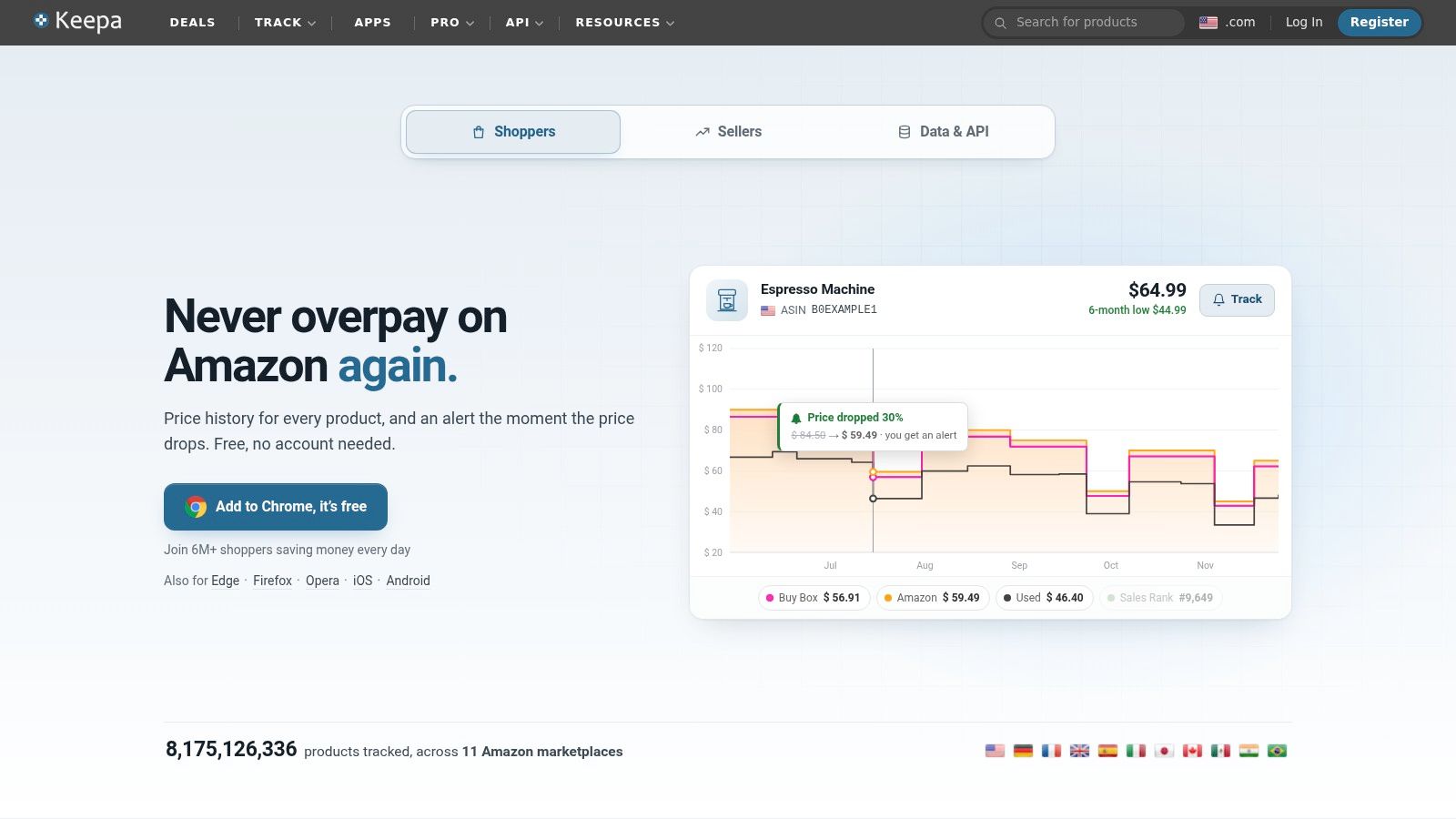
How to Read a Price Chart Honestly
Historical prices need a reference point, and in the European Union one is legally defined. Under Directive (EU) 2019/2161, an advertised reduction must identify the trader's prior price, defined as the lowest price charged during a period of at least 30 days before the reduction. A crossed-out "was" price that ignores that window proves nothing. A price chart is a shopper's own version of the same check, applied to a retailer that isn't obliged to publish one.
The judgement is the deliverable, not the line. A chart showing today's price near the top of a two-year range is more useful than a chart showing motion.
What a chart can't do: it can't tell you another retailer is selling the same model for less today, and it can't see shipping, seller or condition.
- Strongest at: timing an Amazon purchase.
- Weakest at: everything outside Amazon, including the store down the street.
- Access: app and browser-based options, both aimed at the same single-retailer question.
8. CamelCamelCamel
CamelCamelCamel is free, Amazon-only and deliberately narrow. It draws price-history charts, emails alerts when a watched price drops, and its Camelizer extension puts that history onto the product page while the shopper browses.
The Check It Can't Perform
Narrow tools earn their place by being honest about scope. The UK Competition and Markets Authority's review of digital comparison tools found that 97% of surveyed internet users were aware of comparison tools and 85% had used one, and that most users consulted more than one tool, mainly to verify prices for the same product across different sites. An Amazon-only tracker can't perform that second check, by design.
What it can do is stop a shopper buying at a local peak. A drop alert that fires after a month of stable pricing says the price moved, not that the item is cheap anywhere.
- Works well for: deciding whether to buy now or wait on a specific Amazon listing.
- Doesn't answer: whether a different retailer has the same model cheaper today.
- Working habit: set the alert, then check the model number against other stores before ordering.
CamelCamelCamel is a free companion, not a comparison engine.
9. BuyVia
BuyVia combines curated deal listings with product price comparison, UPC barcode scanning and shopping alerts. Its help material describes scanning a barcode to check a price and find deals, which matches how people shop in a physical store: item in hand, question in mind.
Curated Deals Are a Prompt, Not a Ranking
A deal feed reflects what someone chose to feature. That's useful for discovery and useless for proving a price is the lowest available, because sellers outside the feed aren't in the list. The scan is the more reliable half of the app.
A deal feed shows what a retailer wants to push. A scan shows what a shelf actually costs.
Two checks matter before relying on it. Confirm the app is available on the shopper's device and that retailer coverage reaches the stores they use. Then compare the scanned price against the manufacturer's model number and the seller's delivery cost, because a curated deal on an older variant isn't a saving at all.
- Strongest at: a quick in-store scan combined with deal discovery.
- Weakest at: exhaustiveness. Curated listings exclude sellers and often exclude the lowest total price.
- Check first: device availability and retailer coverage.
BuyVia is best treated as a store-aisle tool rather than a research tool.
10. OneScan
OneScan is an iPhone app built around a single gesture: scan a barcode, get prices from a named retailer set that includes Amazon, Walmart, Best Buy, Kroger and eBay. Product search sits alongside the scanner, and every lookup needs a connection.
Pack Size Breaks More Comparisons Than Price Does
Unit pricing is where headline prices mislead most often. The European Commission's summary of the Price Indication Directive describes a requirement to show both the selling price and the price per unit of measurement, with the stated purpose of improving consumer information and making price comparisons easier. Comparing one pack price against a different pack size without that unit figure produces a false winner every time.
Kroger on the retailer list makes this a grocery question as much as an electronics one. The same logic covers detergent, coffee and shampoo: cost per litre, per kilogram or per dose is the number that decides, not the pack total.
- Strongest at: speed. One scan, five retailers, no account juggling.
- Weakest at: breadth. The retailer set is narrower than a general shopping search engine.
- Check: exact model, availability, shipping and the identity of the seller.
OneScan is the quickest in-store lookup here, and the least useful at a desk.
How the ten apps differ by main focus, cost model and platforms
The main split is the job each tool handles: cross-store search, barcode scanning, Amazon price history, or coupons and cashback. Some combine those jobs. Platform support determines whether they fit an in-store lookup or a browser checkout.
| Item | Main focus | Cost model | Platforms |
|---|---|---|---|
| ShopSavvy | Cross-store search, barcode scanning, alerts | Free core; paid Pro removes ads | iPhone, Android, browser |
| Google Shopping | Retailer listings and price tracking | No separate shopping subscription | Google Search, Google app |
| Klarna | Product discovery, comparisons, payment features | Free shopping app; payment terms separate | Shopping app |
| Capital One Shopping | Coupons, offer comparisons, rewards | Free | Mobile app, browser extension |
| Price.com | Cross-store comparisons, coupons, cashback | Free | Website, iOS, Android, browser extension |
| PayPal Honey | Coupons, supported-product comparisons, alerts | Free | Browser extension, website, mobile |
| Keepa | Amazon price history and alerts | Free core; paid data features | App, browser |
| CamelCamelCamel | Amazon price history and email alerts | Free | Website, browser extension |
| BuyVia | Barcode scanning, comparisons, curated deals | Free | Shopping app |
| OneScan | Barcode scanning and retailer lookups | Free download | iPhone |
Free access does not make the results interchangeable. Amazon history tools answer a narrower question than cross-store search, while coupon tools depend on eligible offers. None replaces checking shipping, taxes and seller terms before paying.
Matching the Right Comparison App to Each Purchase
Choose by purchase type rather than by app rating. Four jobs, four tools, and a short set of checks that applies to all of them.
General buying across many retailers. Cross-store search wins. Google Shopping gives a fast first read on price range, ShopSavvy adds local stores and alerts, and Price.com pulls in other conditions when "cheapest" might mean a used or refurbished unit. The trap is treating a search result as a quote.
Shopping in person. Barcode scanning decides. ShopSavvy, BuyVia and OneScan differ mainly in retailer coverage and how gracefully they handle a poor scan, so test one on a product you already know the price of. A scanner that returns a similar model at a lower price is worse than one that returns nothing.
Judging Amazon timing. Keepa and CamelCamelCamel do a job the general search tools can't. History tells you where today's price sits within its own range, which is a different question from whether another store beats it today, and the second question still needs a separate check.
Finding coupons and cashback. Last, not first. Run the coupon tool after choosing the item and the seller, then confirm eligibility, because a reward that lands later doesn't lower today's basket.
Practical rule: compare the total at checkout, not the number on the listing. Item price, shipping, tax, duties, payment surcharge and return postage make the comparison, and the app only supplies the opening figure.
A privacy-light web tool can beat a feature-rich app that wants persistent tracking, and a slightly more expensive seller can carry materially less post-purchase risk. Both trade-offs belong in the decision, not outside it.
Comredix compares documented features and prices quoted from seller pages, rechecks those quotes, and doesn't claim to have used every product. That's the right standard for this category: a comparison is only as good as the terms it can verify.
Comredix publishes side-by-side rankings of shopping apps, stores and services using documented features, published prices and one scoring method applied to every option, alongside statistics pages that link each figure to its original publisher. Quoted prices are copied from the seller's page and rechecked, and anything that no longer matches is corrected or removed. Start with Comredix before committing to a tool, a store or a checkout.
Comredix. (2026, November 25). App for Comparison Shopping: 10 Tools Compared in 2026. https://comredix.com/app-for-comparison-shopping
Spotted an error in this guide? Email editorial@comredix.com